Video courtesy of Buck
Google Pocket Garden
🪴 An open source AR sample app for Google showcasing the ARCore Geospatial API—plant a garden in your neighborhood and return to watch it grow.
Google needed a sample project to introduce their new ARCore Geospatial API—an open source demo showcasing how the Geospatial API could be used in an ARCore app with Unity and ARFoundation. It’s really cool tech; you can make your own Pokemon Go out of it! 🗺️
Enter Pocket Garden! We built an app that lets you walk around your neighborhood (or anywhere) and plant various seeds 🌾, return later, water them 💧, check their progress and eventually harvest more seeds to plant more plants.
On this project, I primarily handled the UX scripting from user onboarding to tbe planting and harvesting mechanics, along with UI implimentation.
I also implemented the geospatial debug UI—useful for understanding tracking accuracy in the field. Because ARCore’s Geospatial API uses visual matching against Street View data to provide sub-meter accuracy, having real-time feedback on localization quality was essential for both development and for demonstrating the technology’s capabilities.
🗣️🎙️ I love Android development. The hardest part is getting anything to build at all. After that, the project is easy!
Testing in the Wild
The most challenging part of this job was testing. There’s only so much you can do tethered to a desk. And in the case of geospatial API testing using Google Maps data, even less.
I spent a lot of time rushing out into the front yard, confusing dogs and neighbors to check if I didn’t break an onboarding workflow, or trudging up and down hills in my neighborhood while staring at my phone, scanning it all around as I walk. The API kept your planted garden anchored consistently to real-world coordinates—even after walking far enough to change altitude. It worked well enough to impress me.
The Team
Anthony Enns built out the core geospatial framework: GeospatialManager for interfacing with ARCore’s Geospatial API and managing tracking state and accuracy, plus PlaceablesManager and PlaceablesGroup for anchoring objects to real-world locations and persisting them across sessions. The guy translated geocoordinates to something mere mortals can use—I didn’t understand a bit of it. I mean this is a guy with a jazz degree; come on, what can’t he do?
Thomas Robertson optimized our plant assets and rigged them for the bendy IK interaction when harvest time comes around.
Thanks Charlie Whitney for cool tech guidance and developer support, and for always being ready to say “Lets just ask the client” 😅
And then there’s Michelle Higa Fox—the Creative Director whose taste shaped everything. 🌟 When it comes time for brainstorming AR project ideas, everything she’s into evokes an instant yes from the rest of the team. Cute things? Colorful schemes? Playful interactions? Plants? Yes yes, we all want these things.
By this time, Anthony, Thomas and I had become such a fast working tight crew that it became difficult to remember exactly who did what at the time of this writing. There was a lot of “ordering up” a public event or property while the other prepares for its arrival. Felt more like cooks in a kitchen than it did development. Another seamless collaboration.
Open Source & Accessible
What started as a sample project for developers to learn from turned out great! All code and assets are accessible and 100% open source on GitHub, ready for anyone looking to build their own geospatial AR experiences.
Plant a garden anywhere and watch your plants grow over time
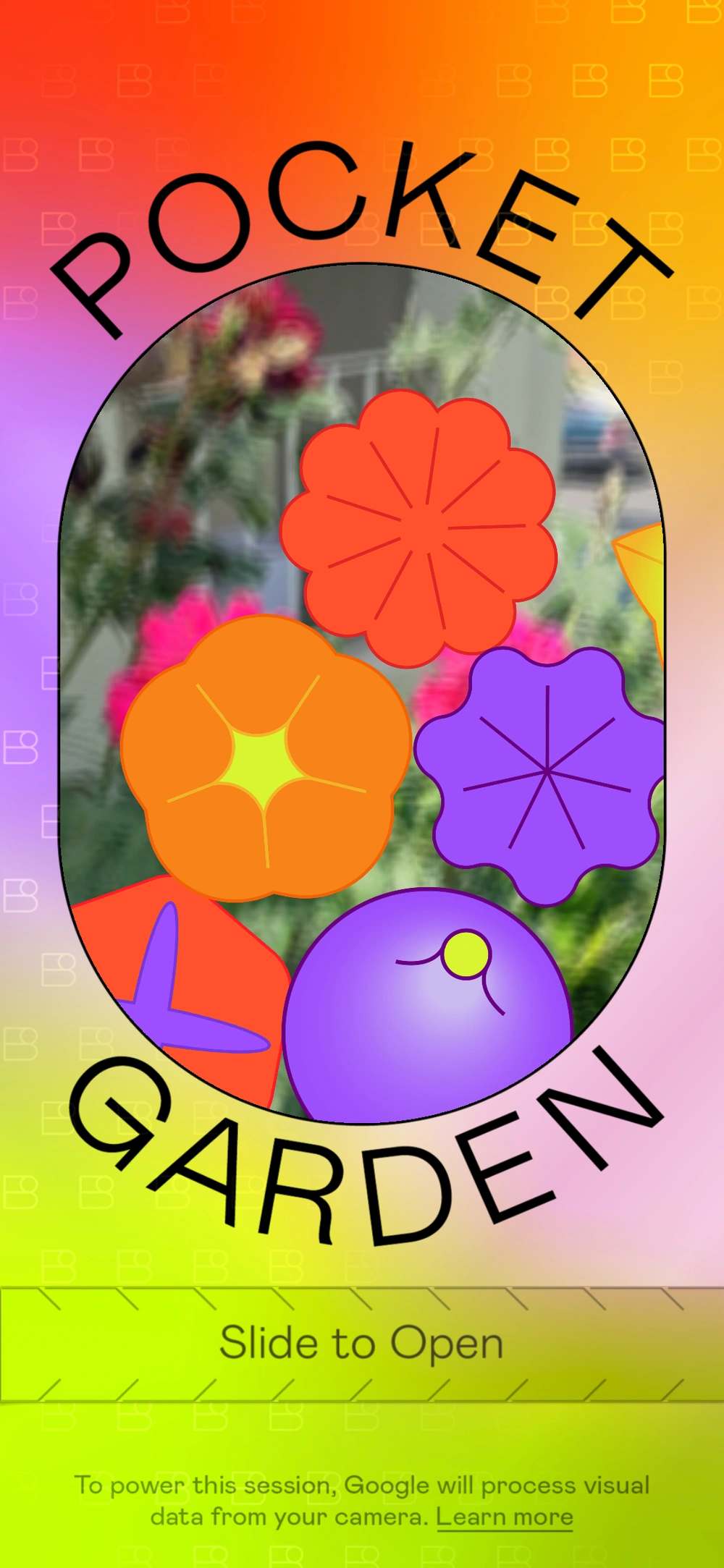
An interactive seed packet serves as the start screen. Go on, give 'em a shake!
How to Use Animations
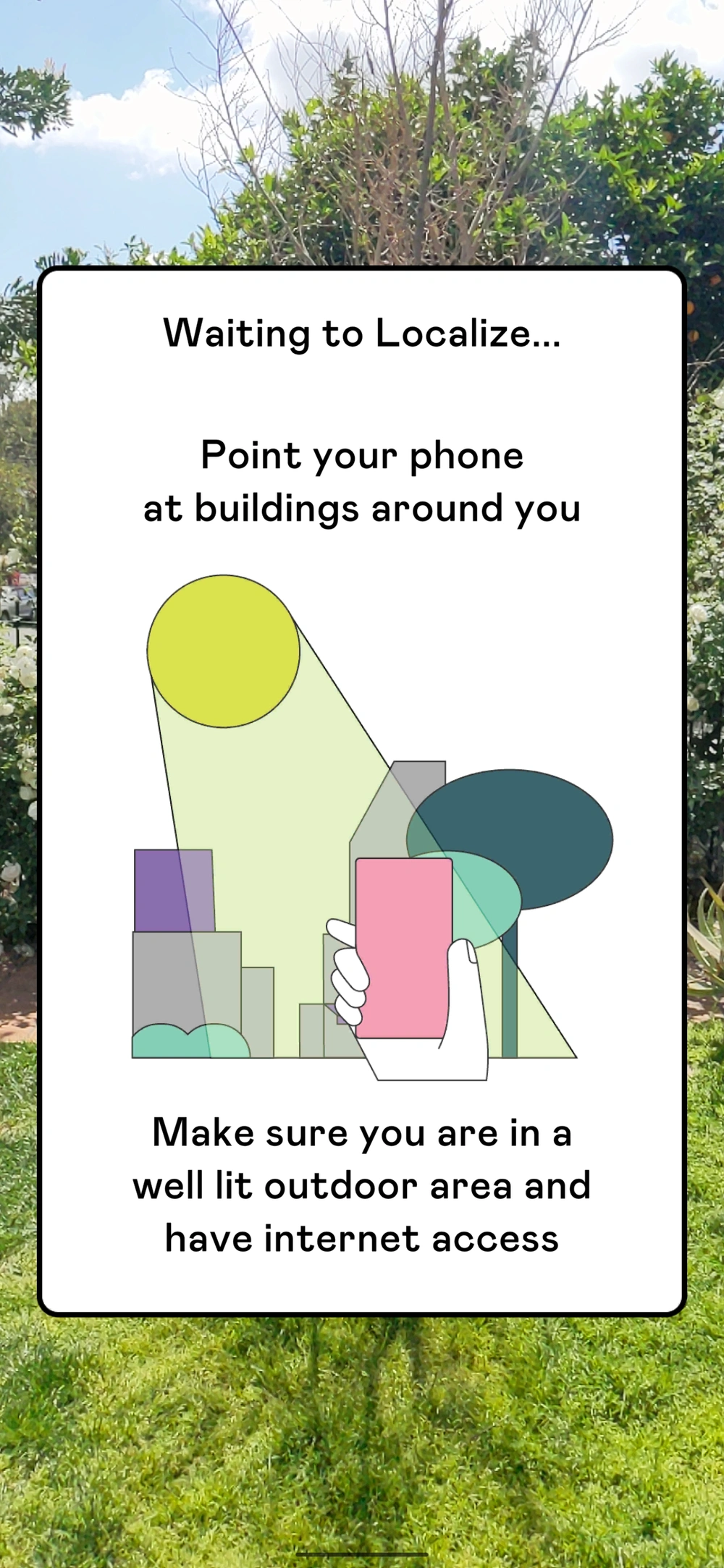
ARCore Geospatial API localization
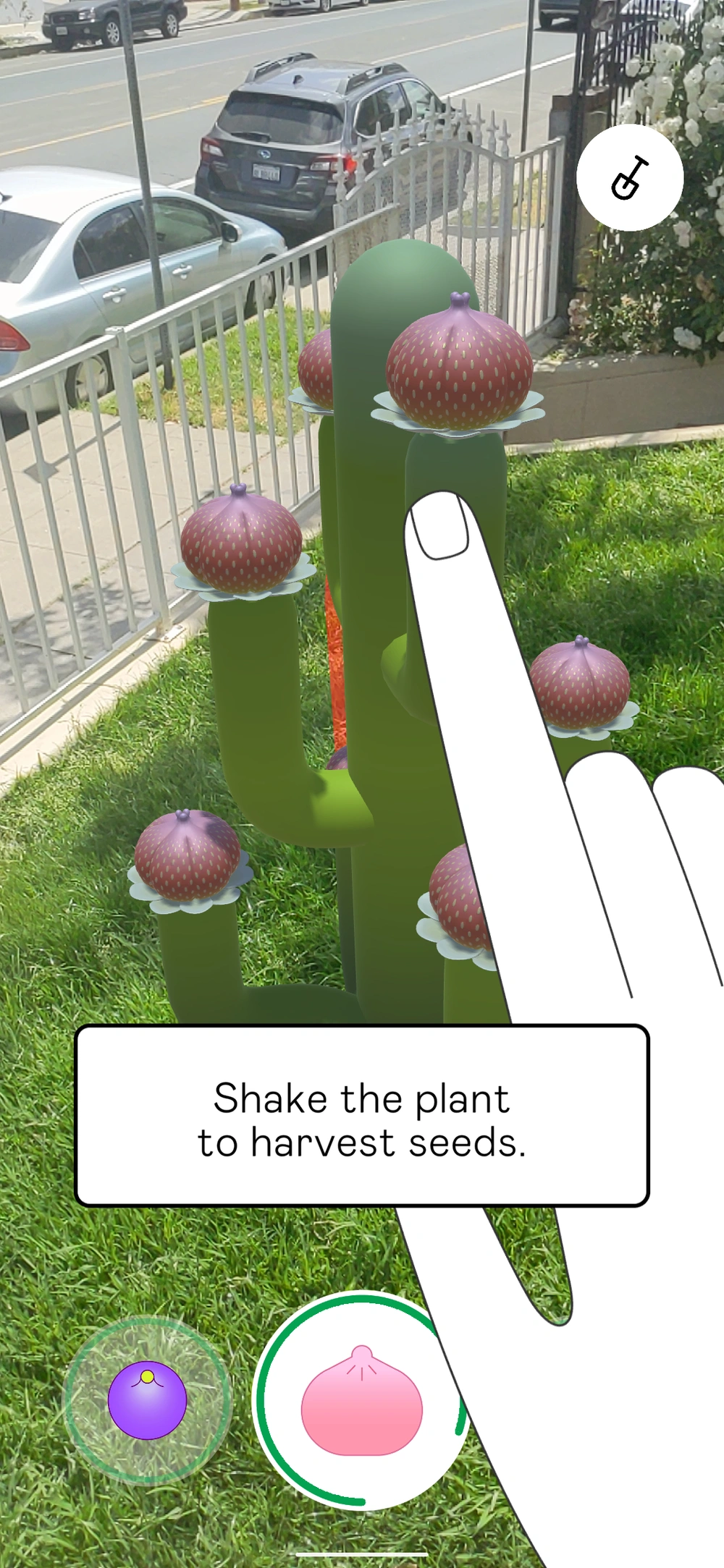
Harvest seeds to grow more plants
Credits
Creative Director
Michelle Higa Fox
Associate Creative Director
Guillermo Zapiola, Moses Journey
Executive Producer
Daniell Phillips
Producer
Jason Rosen
Creative Technologist
Anthony Enns, Charlie Whitney, Daniel Vettorazi, Ryan Nelson
UX Designer
Erin Murphy
Art & Design
Jigyu Yoon, Jose Flores, Julia Chu, Julie Alter, Rozi Zhu
2D Animation
Johan Eriksson
Technical Artist
Thomas Robertson